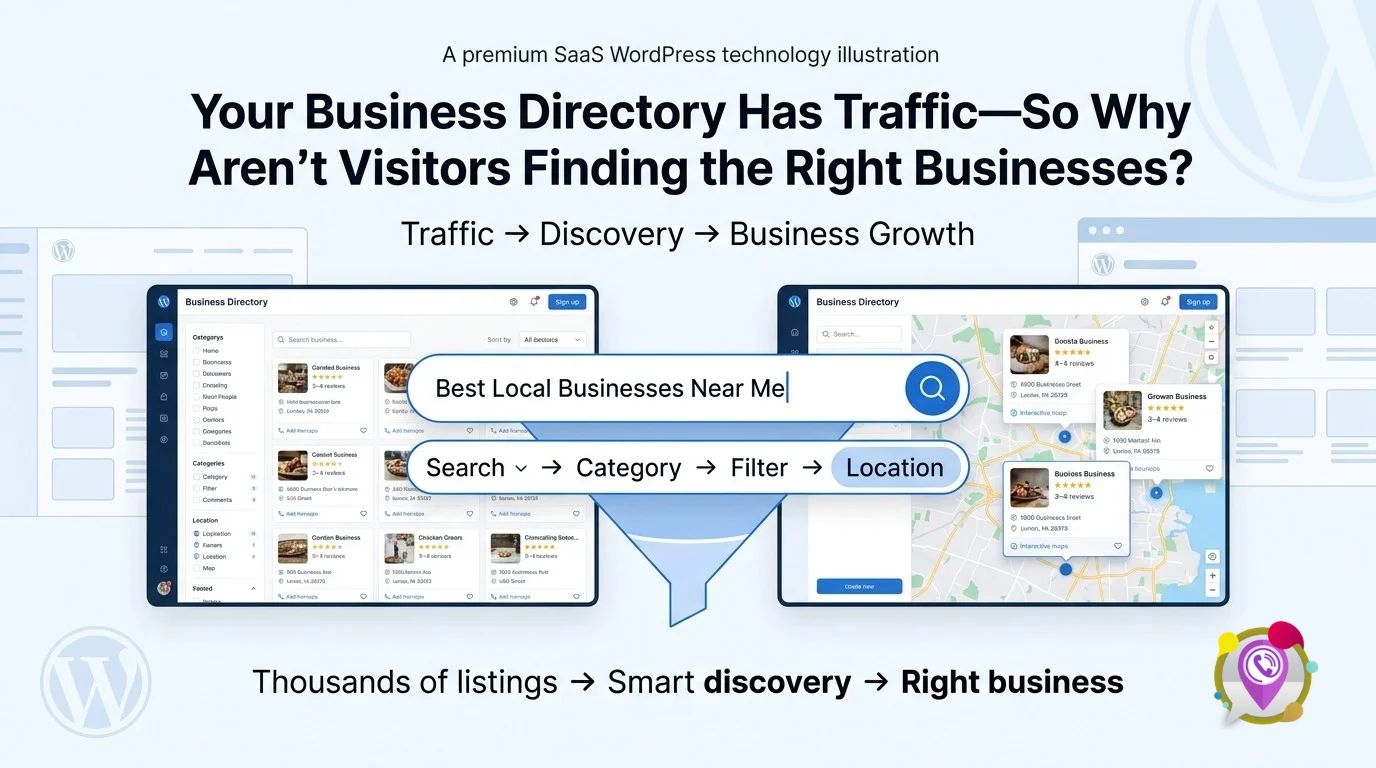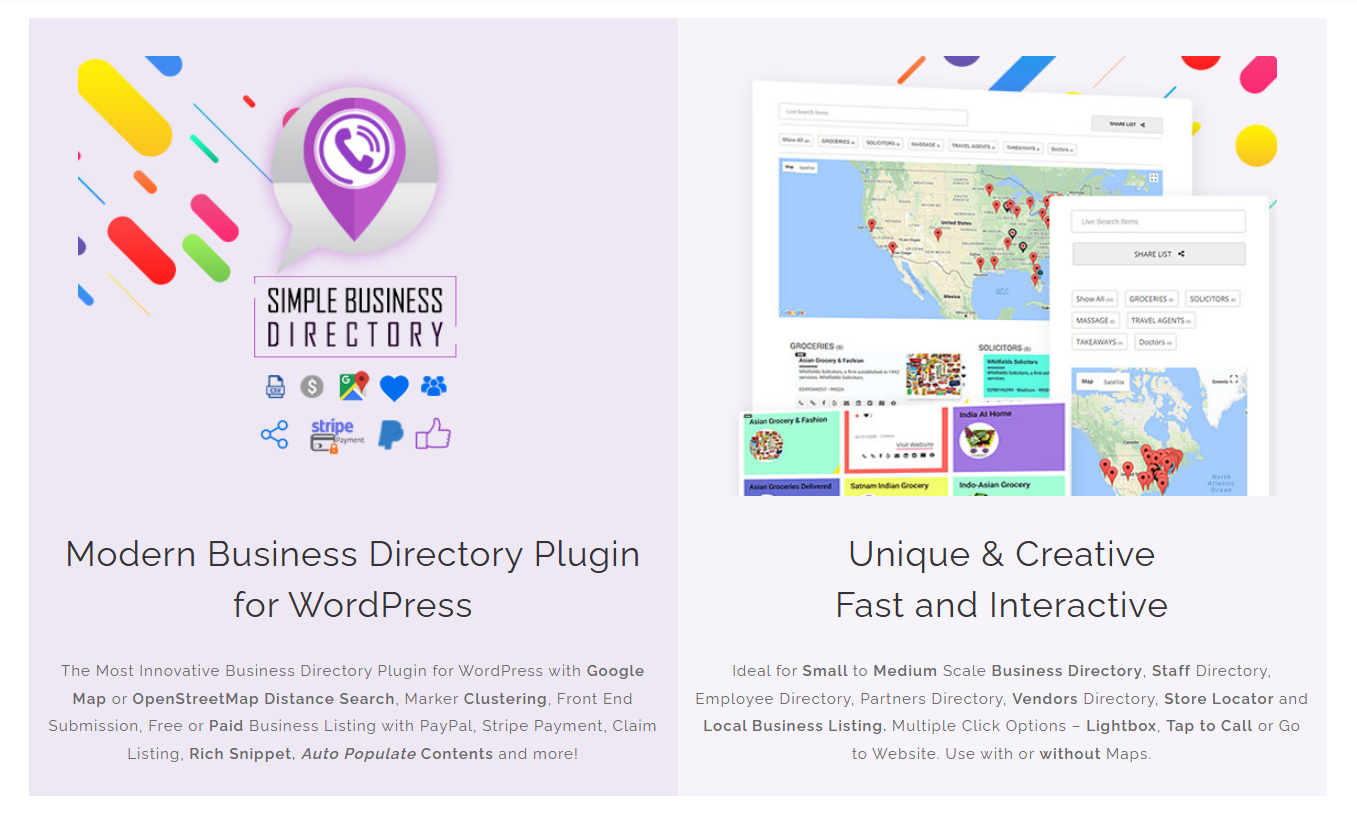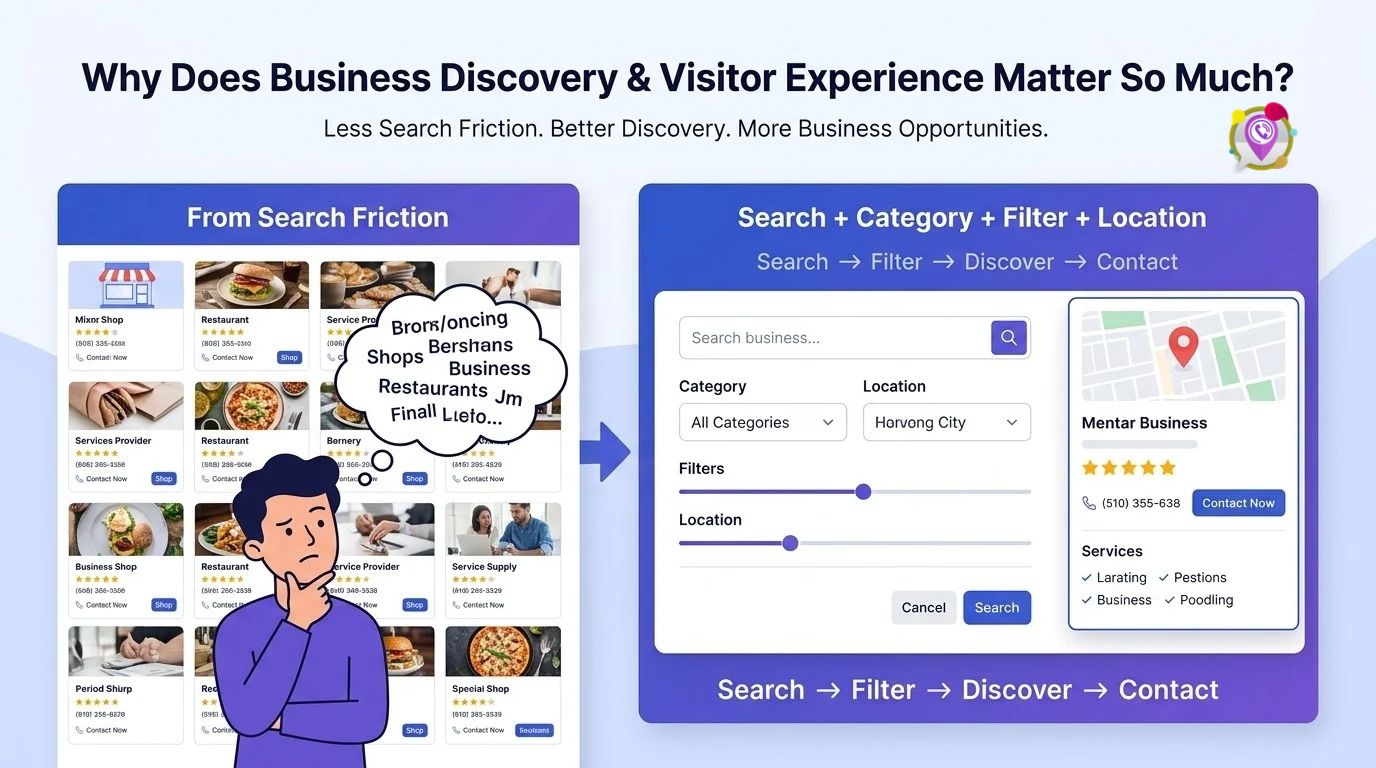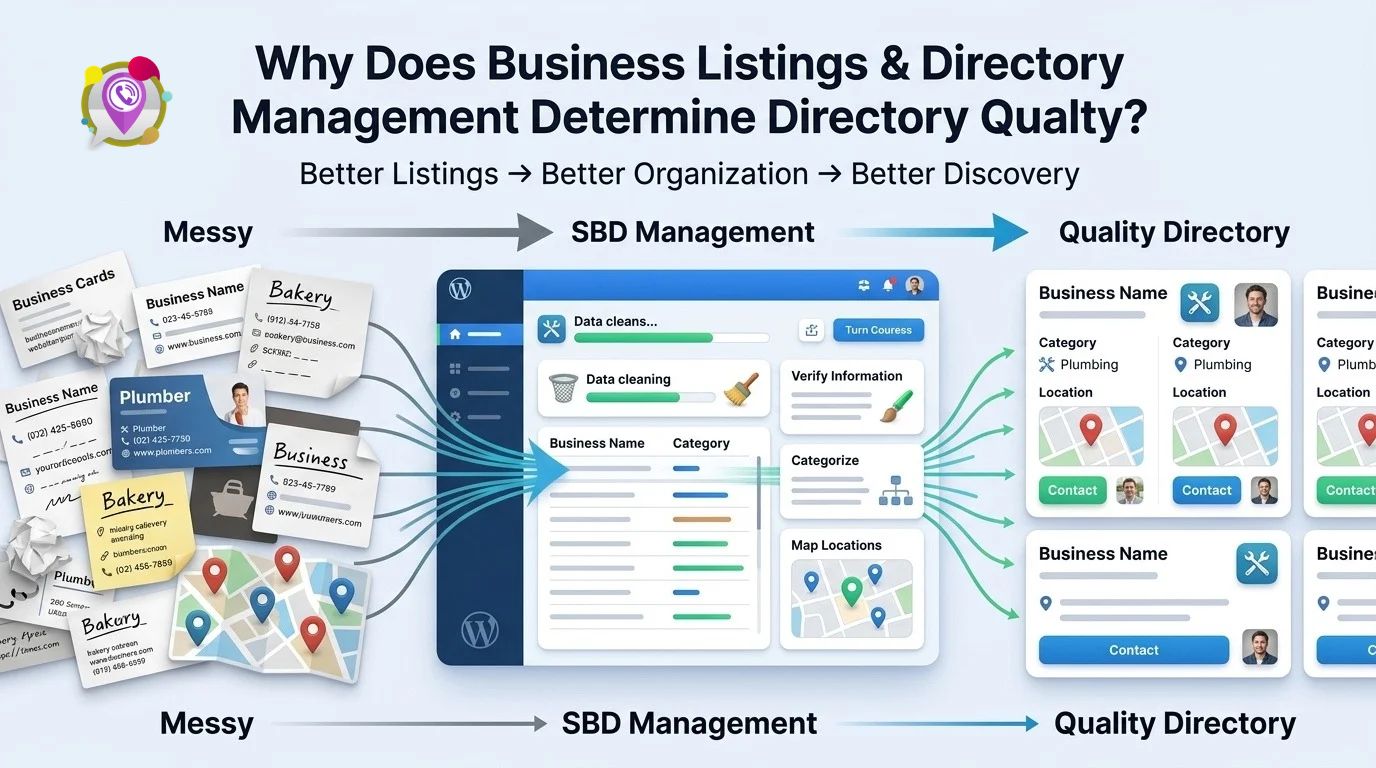
 iList helps WordPress website owners present valuable information in more accessible, engaging ways when the plugin’s available listing and presentation features match the website’s needs. By improving how visitors discover, explore, and interact with published content, iList can support a clearer user experience and a more useful path from content discovery to meaningful website engagement.
Why Does Your Website Have Valuable Content but Still Struggle to Engage Visitors?
Publishing useful content is only half the job. WordPress website owners also need to help visitors find relevant information quickly, understand what matters, and decide what to explore next.
iList addresses the content-discovery challenge when its available presentation and listing capabilities fit the website’s information architecture. A useful website experience depends on more than the number of published pages; visitors need clear organization, meaningful labels, and navigation that supports real tasks.
Imagine a website with 300 resources, product descriptions, tutorials, business listings, or portfolio entries. If visitors must open page after page to locate one relevant resource, the website creates unnecessary friction even when the underlying content is excellent.
iList should be evaluated against that practical problem: can iList help the website owner present information in a format that makes relevant content easier to recognize and explore?
Three pillars guide the evaluation:
- iList — Interactive Content Presentation & Visual Discovery: Help visitors understand what information is available and where to begin.
- iList — Visitor Engagement & User Experience: Reduce navigation friction and make the next useful action easier to identify.
- iList — Content Visibility, SEO & Website Growth: Build a more organized discovery experience that supports measurable website goals.
These pillars form a connected strategy. Better presentation can improve discovery, clearer discovery can support engagement, and improved engagement can contribute to business outcomes when the underlying content and user journey meet visitors’ needs.
Pillar 1: Interactive Content Presentation & Visual Discovery
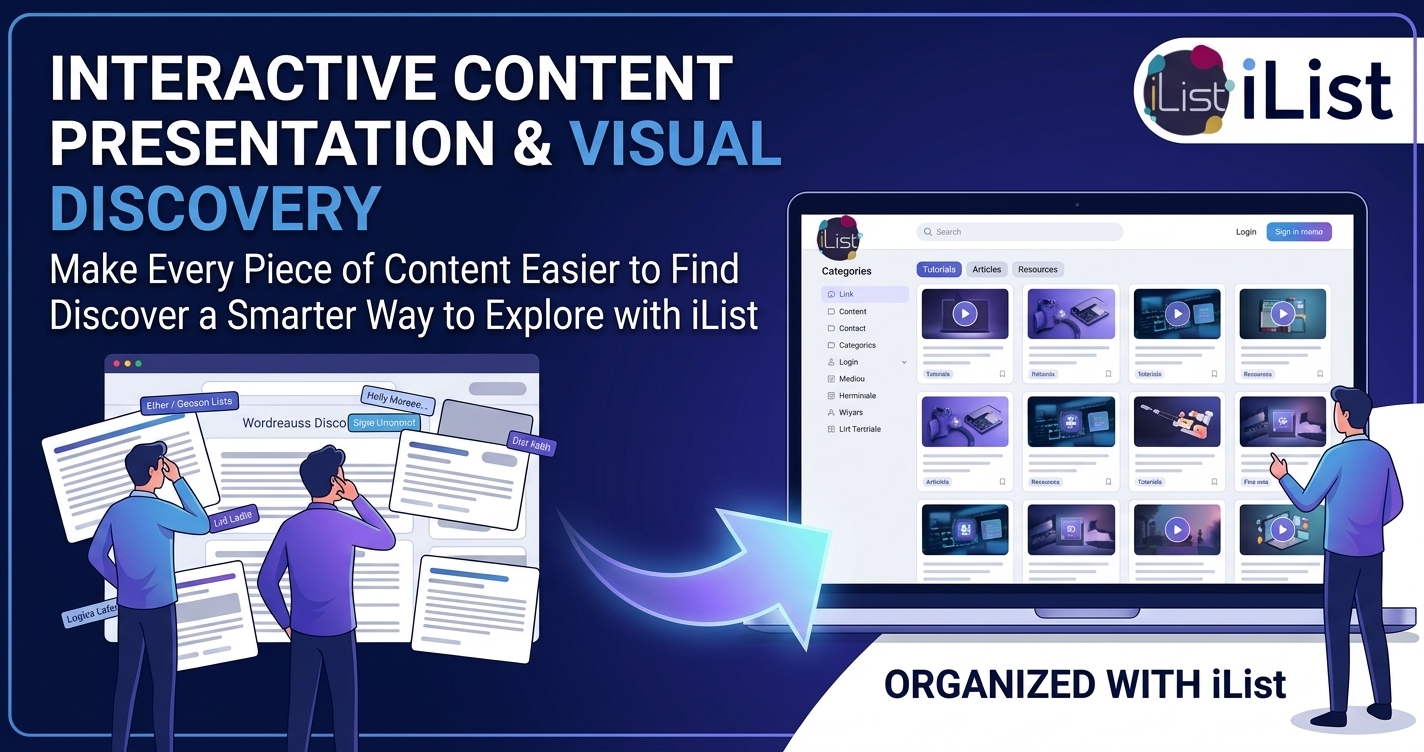
Why Do Visitors Overlook Valuable Content on a Crowded WordPress Website?
Visitors often scan before they read. When a WordPress page presents a long, undifferentiated wall of links, visitors may struggle to identify the resource that best matches their needs.
iList should be assessed on how effectively its available content-presentation features turn a crowded collection of information into a clearer discovery experience. Useful presentation begins with meaningful titles, recognizable categories, consistent descriptions, and an obvious visual hierarchy.
Consider a WordPress website that publishes 150 tutorials. A chronological archive might place an introductory tutorial beside an advanced troubleshooting guide, even though visitors arrive with very different levels of experience.
A more intentional structure can group tutorials by topic, skill level, or intended outcome. iList can contribute to that structure where the current product supports the required listing, categorization, and presentation functionality.
The goal is not decoration for its own sake. The goal is to help visitors answer three questions quickly:
- iList content discovery: What information is available?
- iList content relevance: Which item matches my current problem?
- iList content navigation: What should I open or explore next?
When a website answers those questions clearly, visitors spend less effort interpreting the interface and more effort evaluating the actual content.
How Can iList Make Large Collections of Information Easier to Explore?
A growing website needs a repeatable method for presenting information. Adding more pages without improving organization can increase the distance between a visitor’s question and the answer.
iList should support a consistent presentation strategy that reflects the content types and navigation patterns available in the installed version. Before deployment, website owners should confirm whether the required layouts, display controls, category structures, or other discovery features are included.
A practical example is a resource library containing documentation, downloadable guides, tutorials, and frequently asked questions. A visitor looking for a setup guide should not need to understand the website’s entire publishing history before finding the right resource.
An effective iList implementation begins by identifying the information visitors need most often. The website owner can then organize available content around those needs instead of relying entirely on publication dates.
| Content challenge | iList implementation goal | Measurement to monitor |
| Large numbers of unrelated links | iList presents available content through a clearer structure | Successful content discovery rate |
| Similar titles with different purposes | iList content labels communicate meaningful differences | Search refinement and click-through rate |
| Visitors cannot identify a starting point | iList supports a more understandable browsing path | Time to first relevant click |
| Frequently used resources are difficult to locate | iList helps surface important resources where supported | Visits to priority resources |
| Content collections grow over time | iList presentation remains consistent as content expands | Navigation errors and maintenance time |
The measurements in the table are evaluation targets, not claims about guaranteed iList results. Website owners should establish a baseline before changing the presentation and compare performance after deployment.
Does Visual Discovery Matter More Than Publishing More Content?
Publishing more content does not automatically make a website more useful. A collection of 500 poorly organized resources may create more friction than a carefully structured collection of 100 resources.
iList can be part of a content-discovery strategy that prioritizes clarity over volume. Website owners should first make existing information easier to identify, then decide which content gaps genuinely require new articles or resources.
Start by reviewing the pages that attract the most visits but generate little further exploration. If analytics show that visitors frequently land on a tutorial and leave without opening related resources, examine whether the page provides a clear next step.
A practical iList content audit should identify:
- iList content categories: Which subjects deserve their own clear browsing paths?
- iList content labels: Do titles and descriptions explain the value of each item?
- iList content priorities: Which resources deserve prominent placement?
- iList content consistency: Do similar entries follow the same naming and formatting conventions?
- iList content maintenance: Can editors update listings without introducing duplicate or outdated entries?
This approach creates a foundation for sustainable content presentation. The value comes from making existing information easier to use, not from assuming that a new interface automatically improves engagement.
Which iList Presentation Features Should Developers Verify Before Launch?
Feature verification matters because the product name alone does not establish which display controls are available. A developer should confirm the exact capabilities of the current iList release before designing a production implementation around them.
iList implementation planning should distinguish verified features from desired functionality. If a project requires filtering, sorting, responsive layouts, custom templates, or a particular content source, confirm each requirement against the current product documentation.
Use the following checklist:
- iList layout support: Verify the available presentation layouts and customization options.
- iList responsive behavior: Test the actual interface on mobile, tablet, and desktop screen sizes.
- iList content organization: Confirm how categories, labels, and other supported grouping mechanisms work.
- iList editor workflow: Test how administrators add, update, and remove entries.
- iList accessibility: Check keyboard navigation, focus visibility, semantic markup, and screen-reader behavior.
- iList compatibility: Test the required WordPress version, theme, page builder, and other active plugins.
A staged implementation reduces avoidable rework. Build a small representative listing, test the experience with real visitors or internal reviewers, and expand the implementation after the required behavior has been confirmed.
Pillar 2: Visitor Engagement & User Experience
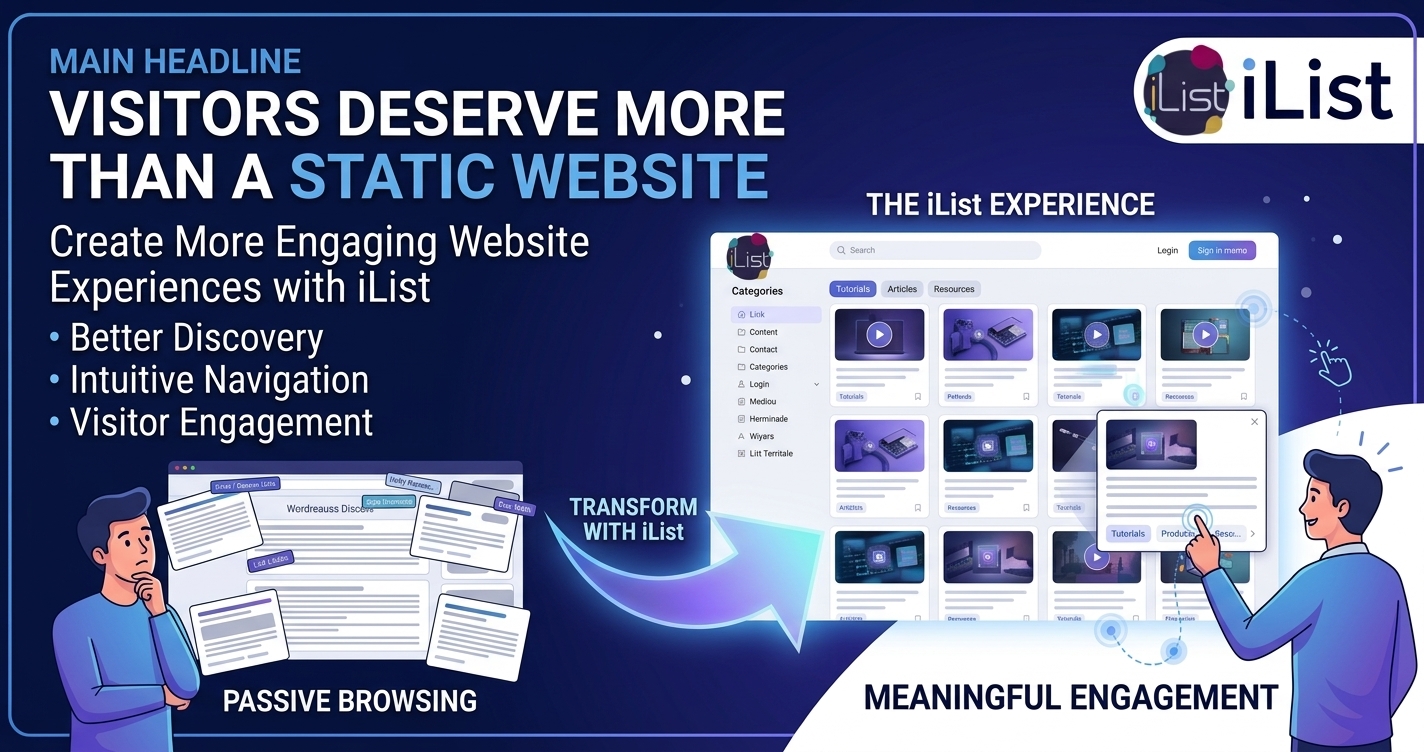
Why Do Visitors Leave a WordPress Website Before Finding the Right Resource?
Visitors abandon frustrating browsing experiences when the effort required to find information outweighs the perceived benefit. Confusing labels, inconsistent layouts, irrelevant results, and unclear navigation can all create unnecessary friction.
iList should be evaluated on whether the available listing experience helps visitors move from a general interest to a relevant resource with fewer unnecessary steps. A good user experience makes the next action understandable without forcing visitors to learn the website’s internal structure.
For example, a visitor researching website security may arrive on a WordPress knowledge resource page. A well-organized iList experience should make security guides distinguishable from unrelated tutorials, provided the selected iList configuration supports the required content organization.
The website owner should examine the entire discovery journey rather than focusing only on the appearance of the first screen. A visually attractive listing still needs meaningful labels, usable navigation, and content that matches the visitor’s expectations.
How Can iList Help Visitors Discover the Next Useful Piece of Content?
Useful content often works best as a connected journey rather than a collection of isolated pages. A beginner’s guide can lead to an implementation tutorial, while an implementation tutorial can lead to a troubleshooting resource.
iList can contribute to a more coherent content journey when the supported listing structure allows website owners to organize related resources logically. The exact implementation depends on the available iList features and the website’s existing content architecture.
Consider a software documentation website with three resource types:
- iList beginner resources: Introduce essential concepts and help new users understand terminology.
- iList implementation resources: Explain configuration steps, examples, and practical workflows.
- iList troubleshooting resources: Help experienced users diagnose errors and resolve common problems.
A visitor who finds the appropriate starting point can progress through related material without repeatedly returning to a general archive. Website owners should test whether the actual iList implementation supports the intended connections instead of assuming automatic recommendations or related-content functionality.
A useful content journey should also have a clear destination. A resource directory might direct visitors to a product page, documentation article, contact form, or relevant next step, depending on the website’s purpose.
Can iList Improve the Mobile Browsing Experience?
Mobile visitors frequently interact with websites under tighter space constraints than desktop visitors. Narrow screens make long titles, dense layouts, tiny controls, and complicated navigation particularly frustrating.
iList mobile usability depends on the actual layout, theme integration, and responsive behavior of the installed implementation. Website owners should test real content on mobile devices rather than assuming a desktop layout will automatically translate into a comfortable mobile experience.
A practical mobile test should cover:
- iList readable content: Confirm that titles and descriptions remain readable without awkward clipping.
- iList touch targets: Check that links and interactive controls are easy to activate.
- iList page performance: Measure loading and interaction delays on a typical mobile connection.
- iList navigation clarity: Ensure visitors can identify categories, relevant entries, and navigation controls.
- iList accessibility: Verify that keyboard and assistive-technology users can navigate the experience where applicable.
Mobile usability should be tested with long titles, missing images, large collections, and other realistic edge cases. A directory that works perfectly with five short entries may become difficult to use when populated with hundreds of real-world records.
How Should Developers Measure Whether iList Actually Improves Engagement?
A redesign should be evaluated through observable behavior rather than personal preference. Website owners need to know whether the new iList experience helps visitors discover relevant information and complete meaningful tasks.
iList engagement measurement should combine interaction analytics with an outcome that matters to the website owner. Clicks alone can be misleading because visitors may click repeatedly while struggling to find the right resource.
Useful measurements include:
| Metric | How iList can be evaluated | Example target |
| Relevant-item click-through rate | iList listing impressions compared with clicks on relevant entries | Improve from 12% to 16% |
| Time to first useful action | Time between viewing an iList listing and opening a relevant resource | Reduce from 40 to 28 seconds |
| Discovery completion rate | Visitors who reach a defined relevant destination | Improve from 45% to 55% |
| Mobile task completion | Mobile visitors who complete the intended browsing task | Improve from 60% to 70% |
| Content engagement depth | Visitors who open a relevant second resource | Improve from 20% to 27% |
The values above are illustrative targets, not verified iList performance data. Actual outcomes depend on traffic quality, content relevance, measurement definitions, and implementation quality.
A developer should define each event consistently before launch. For example, an ilist_item_click event could record the listing identifier, page location, and interaction timestamp, while avoiding unnecessary personal data.
The analytics setup should also distinguish genuine discovery from accidental clicks. A visitor who opens an irrelevant entry and immediately returns should not automatically count as a successful content discovery.
How Can iList Support Conversion Goals Without Turning Every Listing Into an Advertisement?
Visitors need helpful information before visitors are ready to take action. An overly promotional interface can interrupt the browsing experience and reduce confidence in the website’s content.
iList should support the website’s primary objective without sacrificing the relevance and readability of the listed information. The appropriate objective might be a documentation visit, a qualified lead, a resource download, a product inquiry, or a completed registration.
For a WordPress agency, a structured portfolio directory could help potential clients explore projects by industry or service category. For an educational website, an organized learning-resource listing could help students find the next lesson before considering a course offer.
The website owner should connect each desired action to a measurable user need. A contact link makes sense when a visitor needs personalized assistance, while a documentation link makes sense when a visitor needs a technical answer.
A simple conversion model helps quantify the opportunity:
\[ \text{Conversions}=\text{Qualified Visits}\times\text{Conversion Rate} \]
Suppose 5,000 monthly visitors reach a relevant iList listing, and 2% complete a defined action. The baseline is 100 conversions per month.
If a tested improvement raises the conversion rate from 2% to 2.4%, the result becomes 120 conversions per month, or 20 additional conversions. The example illustrates possible value rather than promising that iList will produce a specific improvement.
Pillar 3: Content Visibility, SEO & Website Growth
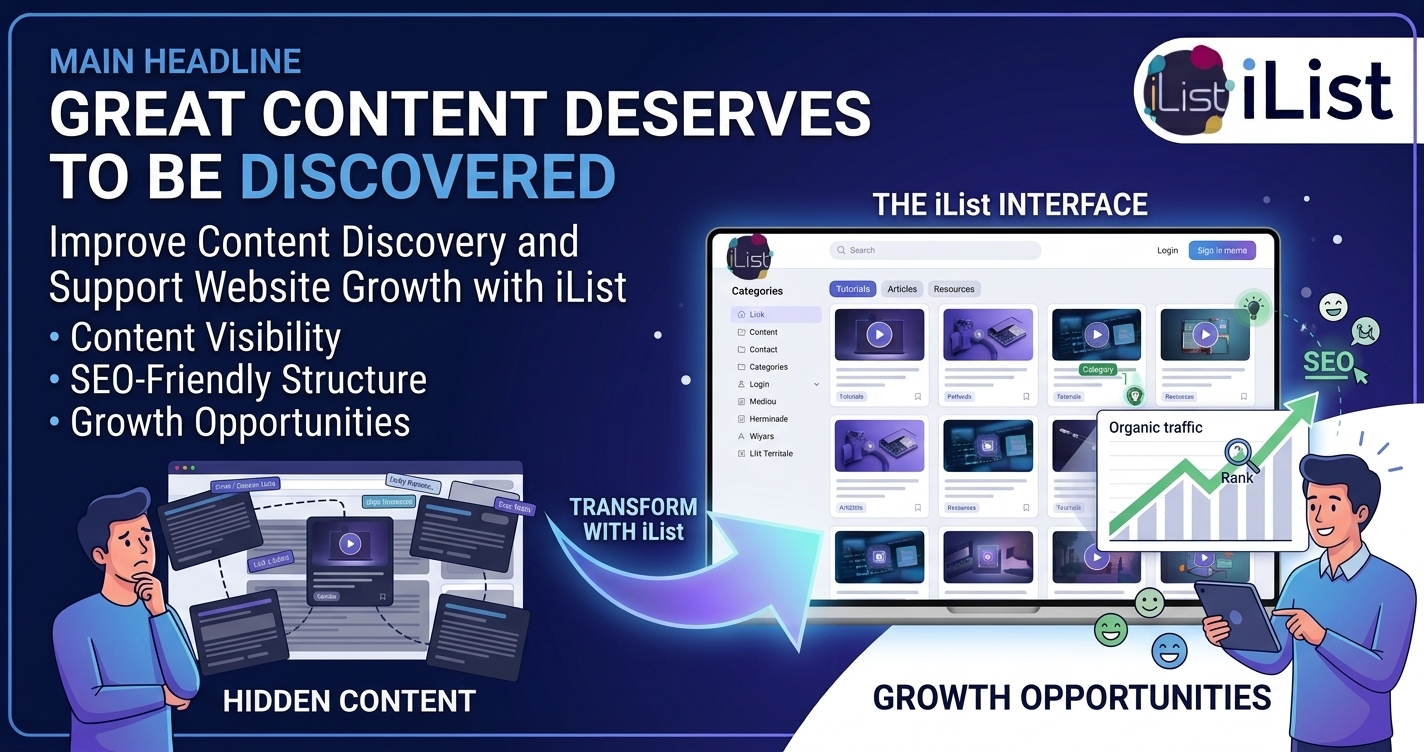
Why Does Publishing More WordPress Content Not Guarantee Better Search Visibility?
Search engines need to discover, crawl, interpret, and evaluate webpages before the pages can earn meaningful visibility. More published content does not automatically improve rankings, and a directory-style interface cannot compensate for thin content, poor technical accessibility, or weak relevance.
iList should be treated as a potential part of a broader content-discovery strategy, not as a guaranteed search-ranking solution. The SEO value of an iList implementation depends on the rendered HTML, internal links, crawlability, page quality, duplication, and the website’s overall technical configuration.
A useful resource listing can help visitors and crawlers navigate related material when entries contain meaningful links and the underlying pages are accessible. However, content hidden behind inaccessible interactions or generated only after unsupported client-side actions may create discovery problems.
Developers should inspect the rendered page source and test whether important links remain available to crawlers. Search Console reports, URL inspection, crawl testing, and server logs can help identify issues that visual inspection alone may miss.
How Can iList Support a Clearer Internal-Linking Strategy?
Internal links help visitors move between related pages and help search engines understand relationships among website resources. Poorly organized links, by contrast, can create a confusing structure with little contextual value.
iList can support internal-link organization when the available output provides meaningful links to relevant content. The website owner should prioritize useful relationships rather than adding large quantities of repetitive links simply to increase link counts.
For example, a WordPress tutorial directory could organize content around installation, configuration, troubleshooting, and advanced usage. Each entry should use descriptive anchor text that communicates the destination’s purpose.
A practical internal-linking review should assess:
- iList destination quality: Confirm that each listing links to a relevant, working destination.
- iList anchor-text clarity: Use descriptive link text rather than repeated generic labels.
- iList content hierarchy: Make important resources accessible through understandable navigation.
- iList broken-link prevention: Check for deleted pages, redirects, and outdated destinations.
- iList link relevance: Ensure related entries serve a genuine visitor need.
Internal links should remain useful even when a search engine is not involved. A clear structure helps visitors understand the website, discover supporting information, and return to important resources.
Can iList Help Website Owners Build Better Landing Pages for Search Intent?
A search visitor usually arrives with a specific question or goal. A page that immediately addresses the goal is more useful than a page that forces the visitor to interpret an unrelated collection of links.
iList landing-page planning should begin with the visitor’s search intent and the information needed to satisfy that intent. If the page targets a technical problem, the page should provide an appropriate answer, supporting resources, and a clear next step.
A developer documentation website might create a dedicated page for troubleshooting a particular error. An iList listing on the page could help visitors discover related fixes or supporting guides if the product supports the required presentation.
The primary answer should remain accessible without requiring visitors to browse an extensive listing first. iList should complement useful page content rather than replace the explanation that satisfies the visitor’s original question.
Website owners should also avoid creating hundreds of nearly identical category pages with little unique value. Search visibility depends on the usefulness and quality of the complete page, not simply on the number of pages generated.
How Should iList Fit Into an Answer Engine Optimization Strategy?
Answer Engine Optimization (AEO) focuses on making information clear, specific, well structured, and easy for search and answer systems to interpret. AEO-friendly content gives direct answers, explains technical details accurately, and identifies the product or subject being discussed.
iList AEO content should explain the exact role of iList without attributing unverified capabilities to the product. Clear definitions, descriptive headings, concise explanations, and relevant supporting links make product information easier for readers and automated systems to interpret.
For example, a product documentation page can explain which listing workflows iList supports, what configuration is required, and which limitations developers should understand. Each explanation should distinguish documented behavior from a proposed use case.
Useful AEO practices include:
- iList direct answers: Answer the page’s central question near the beginning.
- iList terminology consistency: Use the product name and feature names consistently.
- iList technical accuracy: Explain prerequisites, limitations, and supported configurations.
- iList structured information: Use headings, lists, and tables when those formats improve comprehension.
- iList source transparency: Link to authoritative documentation for feature claims and implementation details.
Structured data should only describe information genuinely present on the page and should follow the applicable schema guidelines. Adding FAQ markup or another schema type does not guarantee rich search results or inclusion in an AI-generated answer.
What Does iList Growth Look Like When the Website Owner Measures Real Outcomes?
Growth should connect content discovery to a business result. Depending on the website, the desired outcome might be qualified inquiries, resource downloads, product exploration, course enrollment, or fewer repetitive support requests.
iList growth evaluation should compare a clearly defined baseline with results collected after implementation. Traffic alone cannot show whether visitors found the right information or completed the intended task.
Consider a business resource website that receives 12,000 monthly visits to relevant content. Suppose 1.5% of those visits result in a qualified inquiry.
| Measurement | Baseline | Illustrative improved result |
| Monthly relevant visits | 12,000 | 12,000 |
| Qualified inquiry rate | 1.5% | 1.8% |
| Monthly qualified inquiries | 180 | 216 |
| Additional monthly inquiries | — | 36 |
| Relative increase in inquiries | — | 20% |
The calculation is straightforward: 12,000 × 0.015 = 180 baseline inquiries, while 12,000 × 0.018 = 216 inquiries after the hypothetical improvement.
The scenario does not establish that iList caused the improvement. A proper evaluation should account for changes in traffic sources, seasonality, content quality, campaign activity, and other simultaneous website changes.
For a financial model, suppose each additional qualified inquiry produces an average of $40 in attributable contribution margin after accounting for the costs associated with converting the inquiry. Thirty-six additional inquiries would represent $1,440 in monthly contribution margin before deducting iList licensing, implementation, hosting, analytics, and maintenance costs.
The actual return depends on verified incremental results and the real economics of the website. A measurement plan makes the investment decision more defensible than relying on generic conversion promises.
How Can Developers Prevent an iList Implementation From Becoming a Maintenance Burden?
A content interface becomes harder to maintain when categories multiply without clear ownership, old entries remain published, and editors follow inconsistent naming conventions. A useful listing strategy needs governance as well as presentation.
iList maintenance planning should define ownership, content quality rules, and a repeatable review process. Developers should document which roles can manage entries, how changes are tested, and how outdated resources are identified.
A simple monthly review can examine the most visited entries, broken destinations, duplicated records, and content with declining relevance. A quarterly review can assess category structure and remove unnecessary complexity.
A production deployment should also include a rollback procedure. Website owners should record the previous configuration, test important pages after updates, and verify that backups can restore the site if a compatibility problem occurs.
The strongest iList implementation is not necessarily the one with the most categories or the most complicated interface. The strongest implementation is the one that remains accurate, accessible, understandable, and useful as the website grows.
What Should Developers Check Before Deploying iList on a Production Website?
Can iList Increase Server Resource Usage on a High-Traffic WordPress Website?
iList server overhead depends on the actual implementation, query patterns, rendering process, database structure, and caching configuration. Without benchmarks from the current iList version, developers should not assume a specific CPU, memory, database-query, or response-time cost.
A production test should record the baseline and post-deployment performance for representative pages. Developers can use WordPress Query Monitor, application performance monitoring, database query logs, and server metrics to identify expensive operations.
For a directory containing 10,000 entries, test realistic page sizes and concurrent requests instead of loading every record into one response. Pagination, indexed queries, bounded result sets, and appropriate caching can reduce unnecessary database work when the iList architecture supports those approaches.
A practical performance acceptance checklist includes:
- iList database efficiency: Inspect query counts, execution times, and slow queries on large collections.
- iList page caching: Verify that compatible page caching does not serve stale or incorrectly personalized content.
- iList object caching: Test repeated queries and cache invalidation where object caching is available.
- iList resource consumption: Measure CPU, PHP memory, and response times under representative traffic.
- iList load testing: Test expected peak concurrency and confirm acceptable performance under stress.
Developers should establish performance budgets based on the hosting environment and the website’s service requirements. The correct conclusion comes from measured results, not from assumptions about the iList product name.
Does iList Require OpenAI, Gemini, or DeepSeek API Tokens, and How Can Developers Control Billing?
iList should not be assumed to require OpenAI, Gemini, or DeepSeek API access unless the current product documentation explicitly identifies those integrations. A listing or content-presentation workflow can operate without a generative AI API, while an optional AI-powered workflow may introduce separate provider costs.
Before enabling any AI integration associated with an iList deployment, developers should verify the provider, model, authentication method, billing arrangement, and data transmitted to the service. A premium WordPress plugin license and a third-party AI API subscription are separate cost categories unless the product documentation explicitly states otherwise.
For an integration that bills by tokens, a basic estimated cost model is:
\[ \begin{aligned} \text{Monthly Cost}={}&(\text{Input Tokens}\times\text{Input Rate})\\ &+(\text{Output Tokens}\times\text{Output Rate}) \end{aligned} \]
Developers must use the selected provider’s current rates and the applicable pricing units. Some providers charge different rates for input, output, cached input, or other services.
For example, an illustrative workload of 100,000 input tokens and 20,000 output tokens would cost $0.50 at hypothetical rates of $4 per million input tokens and $5 per million output tokens. The example is arithmetic only, not a current quote for OpenAI, Gemini, DeepSeek, or an iList integration.
Recommended cost controls include:
- iList API key security: Store credentials outside publicly accessible source code and restrict access to authorized administrators.
- iList usage monitoring: Track requests, token consumption, and provider charges where an AI integration exists.
- iList spending controls: Configure provider-side quotas, alerts, or limits where supported.
- iList request limits: Prevent uncontrolled repeated requests through appropriate rate limiting.
- iList failure handling: Define safe behavior for timeouts, exhausted quotas, and provider errors.
A developer should never claim that iList includes AI usage credits, supports a specific AI provider, or requires API billing without confirming the relevant product documentation.
How Should iList Handle GDPR, Privacy, and Personal Data?
iList GDPR compliance depends on the personal data collected, the purpose of processing, the technical implementation, and the responsibilities of the website operator and relevant service providers. Installing iList does not automatically make a WordPress website compliant with the General Data Protection Regulation.
A basic content listing may not require personal data at all. However, additional workflows involving accounts, submissions, analytics, contact forms, or third-party services may introduce personal-data processing that requires separate assessment.
Developers should document the actual data structures involved. A useful inventory identifies each field, its purpose, its retention period, access permissions, and any third-party recipient.
| Data category | iList privacy question | Recommended control |
| Public listing content | Does iList store names or contact details that qualify as personal data? | Minimize unnecessary personal information |
| Administrator accounts | Which iList-related permissions allow listing management? | Apply least-privilege access |
| Visitor analytics | Does the iList implementation collect identifiable or pseudonymous identifiers? | Document purpose and applicable legal basis |
| Form submissions | Does the integrated workflow collect personal information? | Define retention, access, and deletion procedures |
| External API requests | Does iList or an associated integration transmit personal data? | Assess recipients, legal basis, and safeguards |
| Application logs | Can iList-related logs contain IP addresses, identifiers, or submitted content? | Restrict access and define retention periods |
A developer should inspect the actual WordPress database tables, user metadata, application logs, cookies, and external network requests rather than assuming a fixed iList data schema.
Data-subject access, correction, deletion, and export workflows should be tested where applicable. A privacy review should also address data-processing agreements, international transfers, security measures, and consent requirements when relevant to the actual processing activity.
How Can Developers Evaluate iList Security Patches and Vulnerability History?
iList security evaluation should rely on verifiable release records, vendor advisories, vulnerability disclosures, and tests against the exact installed version. Without reliable product-specific evidence, developers should not claim that iList has—or has never had—a particular vulnerability.
Before deployment, record the iList version and review available changelogs, security advisories, compatibility requirements, and support documentation. Check whether reported issues apply to the installed release and whether a vendor-provided fix is available.
A useful security review includes:
- iList update history: Confirm the current release and review relevant changes.
- iList access control: Test whether unauthorized users can create, edit, or delete protected content.
- iList input validation: Check handling of untrusted form values, query parameters, and imported content where applicable.
- iList output escaping: Verify that untrusted content cannot execute as HTML or JavaScript.
- iList database security: Assess query handling and appropriate use of WordPress database APIs.
- iList dependency management: Review bundled libraries and third-party integrations when applicable.
- iList recovery planning: Maintain verified backups and test a rollback procedure before major updates.
Testing should occur in a staging environment before a production update. Automated scanning can help identify known issues, but automated results do not replace manual verification of authorization, data handling, and application behavior.
Developers should also distinguish a historical vulnerability from a currently exploitable issue. A patched issue may remain documented in a vulnerability database, while an unpatched issue requires an appropriate mitigation or a decision not to deploy the affected version.
How Should iList Integrate With Webhooks Without Introducing Excessive Latency?
iList webhook behavior depends on whether the current product or an associated integration actually exposes webhook events. Developers should verify the available events, payload formats, authentication mechanisms, retry policies, and delivery guarantees before designing a webhook-dependent workflow.
Where webhooks are supported, synchronous processing can make a user-facing request wait for a remote service. A slow destination, network failure, or rate-limited endpoint can increase response time or cause an operation to fail.
For example, suppose a listing update triggers an external CRM notification. If the WordPress request waits 1.5 seconds for the CRM response, the integration adds approximately 1.5 seconds of waiting before accounting for other processing.
An asynchronous queue can separate the listing update from downstream work where the architecture supports that design. A worker can process the event, retry temporary failures, and record the delivery result without requiring the visitor to wait for every external system.
Recommended controls include:
- iList webhook authentication: Verify signatures or another documented authentication mechanism where supported.
- iList timeout configuration: Set appropriate connection and response timeouts.
- iList retry behavior: Use bounded retries with backoff for transient failures.
- iList duplicate-event handling: Make event processing idempotent where repeated delivery is possible.
- iList payload validation: Validate event structure and reject unexpected input.
- iList delivery monitoring: Record timestamps, failures, retry counts, and processing outcomes without logging unnecessary personal data.
Webhook delivery guarantees must be documented accurately. Developers should not assume exactly-once delivery, guaranteed ordering, or automatic retries unless the actual implementation provides those guarantees.
Final Verdict: Can iList Turn Valuable WordPress Content Into a Better Discovery Experience?
iList is worth evaluating when a WordPress website needs a clearer way to present and organize information, improve content discovery, and help visitors navigate relevant resources. The business value depends on the features available in the current release, the quality of the content, the implementation, and the results measured after deployment.
The three pillars provide a practical evaluation framework:
- iList Interactive Content Presentation & Visual Discovery: Determine whether iList can present the website’s information in a clearer, more useful structure.
- iList Visitor Engagement & User Experience: Test whether visitors can find relevant resources and complete meaningful tasks with less friction.
- iList Content Visibility, SEO & Website Growth: Measure whether the implementation supports useful internal navigation, accessible content, and measurable business outcomes.
The next step is straightforward: verify the current iList feature set, implement a representative use case, measure baseline performance, and test the experience with real content before expanding the deployment.
The strongest case for iList is not an unsupported promise of instant traffic or conversions. The strongest case is a demonstrably better way for the right visitors to find, understand, and use the content a website already has.
FAQ:
iList helps WordPress website owners present valuable information in more accessible, engaging ways by improving how visitors discover, explore, and interact with published content.
Websites struggle to engage visitors when the content-discovery challenge is not addressed, leading to unclear organization, labels, and navigation that hinder user experience.
iList can make large collections of information easier to explore by providing a consistent presentation strategy that reflects content types and navigation patterns, organizing content around visitors' needs.
Publishing more content does not automatically make a website more useful; prioritizing clarity over volume and making existing information easier to identify is crucial.
Developers should verify iList layout support, responsive behavior, content organization, editor workflow, accessibility, and compatibility before launching on a production website.
iList can contribute to a more coherent content journey by allowing website owners to organize related resources logically, guiding visitors through a connected journey rather than isolated pages.
Developers should rely on verifiable release records, vendor advisories, vulnerability disclosures, and tests against the exact installed version to evaluate iList security.
iList server overhead depends on the actual implementation, query patterns, rendering process, database structure, and caching configuration; developers should conduct performance tests before assuming resource usage.